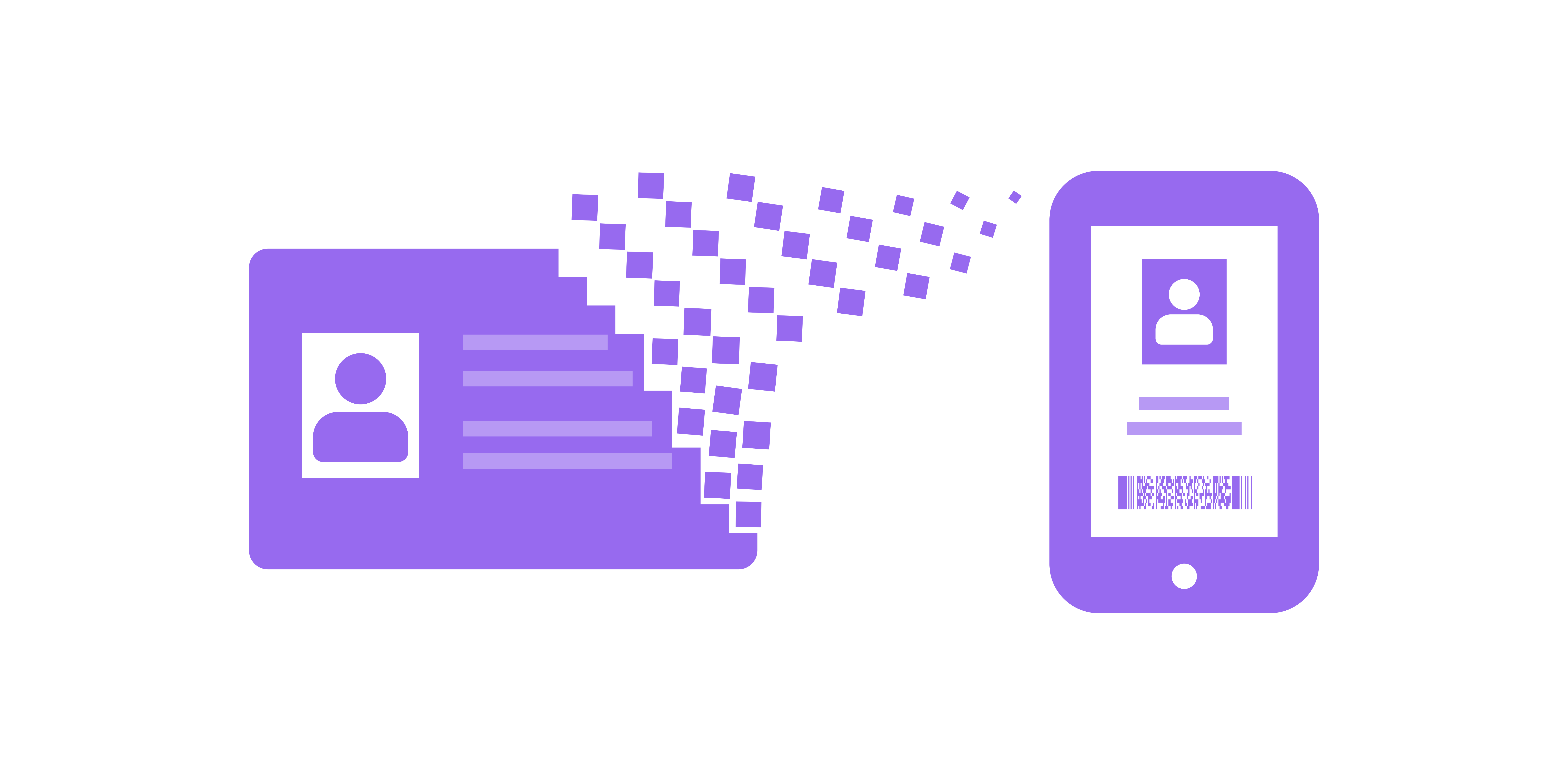
Digital Driver's Licenses, Part Three - The PKPass Implementation
25 Dec, 2025
Put yourself in the hacker's shoes
With this part of the blog, we have set up four challenges where you are given the opportunity to try forging a license yourself. How convincing can your forgery get?
In this final part, we review the technical implementation of the original digital driver's licenses and how it opened the door to simple and convincing forgeries. We are also going to offer a few challenges that allow readers to practice forging driver's licenses to demonstrate just how easy it is!
The first challenge concerns the simplest method of forging IDs: screenshots. The subsequent challenges then revolve around forging the PKPass ID files themselves.
PKPass
PKPass is a standard for digital wallets developed by Apple, originally for Apple Wallet, but it is used by most wallet apps. In this standard, "cards" are delivered as a file, which usually has the extension .pkpass. This file is nothing more than a ZIP archive containing files that define the card.
pass.json: This file contains all the card's data. In the case of driver's licenses, this includes the name, ID number, expiration date, privileges, etc.logo.png: The logo that appears at the top of the card, e.g., the coat of arms and the title of the driver's license.thumbnail.png: Another image that appears on the card, such as the passport photo on the driver's license.manifest.json: A manifest file that stores a list of the documents contained in the PKPass file and their SHA-1 hashes.{ "thumbnail.png": "a9cbe70a30c37e283bc8c6345b0cfee8b2e7b964", "logo.png": "860fda89649d03d5d5ae6ff45f05597a021db449", "pass.json": "eae5b3060d293e79f03d3a711dac4479e071765e" }signature: A PKCS#7 signature of the manifest.json file.
Signature!?
Technically speaking, the PKPass files is digitally signed, which means it shouldn't be possible to alter its contents. However, it just so happens that anyone can obtain a key to sign a PKPass, all that is needed is an Apple Developer license which costs $99 .
This signature is, therefore, more suited to restricting and controlling access to the issuance of PKPass cards through Apple, rather than serving a security purpose. This is reflected precisely in the fact that Apple Wallet is the only digital wallet that verifies this signature at all. All other wallet apps (to the best of our knowledge) ignore it.
Forgery
When all is said and done, we see that these digital driver's licenses are little more than a ZIP file with information in the form of JSON and images. A simple path to a very convincing forgery would thus be, assuming we started with a valid driver's license PKPass file:
- Open the archive file.
- Update the information we want in
pass.json. - Change the
thumbnail.pngimage. - Update the SHA-1 hashes in
manifest.jsoncorresponding to the changes inpass.jsonandthumbnail.png. - Place the files into a new archive file.
These steps are enough to prepare a license that looks exactly like a real license in a digital wallet. No one can tell the difference! Our second challenge revolves precisely around forging a license in this manner.
However, one thing is missing from this forgery. If we recall Digital Iceland's original guidelines , it was recommended to refresh the license on the phone and watch the timestamp update to "verify" the license. We therefore need to find a way to update the timestamp in real-time.
The Perfect Forgery
To create forged licenses that are indistinguishable from real ones, we need to dive a little deeper into the PKPass implementation. In the pass.json file, it is possible to insert a URL to a web service where digital wallets can, among other things, fetch updates. To perfect our forgery, we simply need to set up a small web server that returns our forged license with an updated timestamp when a specific endpoint is called.
Below we see part of the pass.json file. The value of webServiceURL is the web server the wallet will query if a card update is requested, and authenticationToken is the access key placed in the header of the HTTP request.
{
  "description": "Stafrænt ökuskírteini",
  "logoText": "",
  "formatVersion": 1,
  "passTypeIdentifier": "pass.logr.license",
  "serialNumber": "12345",
  "barcode": {
    "message": "[barcode data]",
    "format": "PKBarcodeFormatPDF417",
    "altText": "Í gildi - 19.11.2025 15:19:45",
    "messageEncoding": "iso-8859-1"
  },
  "generic": {
      # License data, i.e., name, ID number, etc.
   },
  "voided": false,
  "authenticationToken": "someapikey",
  "webServiceURL": "https://example.com/",
}
It is therefore sufficient to set up a web server that responds at the path /v1/passes/{passTypeIdentifier}/{serialNumber} with a new PKPass file containing updated text on the barcode. The passTypeIdentifier and serialNumber are used to identify which card should be updated (these can be seen in pass.json above), but since we are only setting up a web server to forge a single ID, we do not need this information and can ignore it.
In the third challenge, you can try your hand at setting up such a perfectly forged driver's license.
Is Scanning Enough?
The examples we have set up and described above show that the old digital driver's licenses were completely unreliable without a scanner. But, as with everything else, how it is implemented is key. As mentioned in Part One, the only reliable data on the ID is the data displayed on the scanner.
It invites danger if the scanner is implemented in such a way that it only indicates whether the ID is valid or not, and the expectation is that if the scanner gives the green light, the data displayed on the scanned ID can be trusted. In that case, one only needs access to a single valid license, and with it, one can forge as many licenses as desired.
This forgery can be implemented in such a way that when a request for a license update comes in, we request an update for the valid license. That update provides us with a valid code that we insert into our forged license. The scanner will then see a fresh and valid code and give the license the green light, but the person scanning will then read the data of the forged ID. The fourth challenge revolves precisely around forging licenses that use such a scanner.
The Digital Driver's License Scanners
However, the scanners that have been implemented for digital driver's licenses, both new and old, do not fall into this trap. After scanning, a photo of the license holder appears, along with a name and ID number. The goal of the last challenge is thus to underscore the importance of this, but it does not reflect a real method that could be used to forge them.
It is worth mentioning, however, that while this is the case for digital driver's licenses, the same cannot be said for other licenses. For example, when new firearm licenses are scanned, only information regarding whether the license is valid or not appears. No other information appears upon scanning that links the scanned license to the holder.

Information displayed when a valid firearm license is scanned.
In Conclusion
In this three-part review of the digital driver's license implementation, we have covered a lot of ground, but what must be emphasized is the importance of security at all stages of development. One of the best ways to ensure this is through security education and training for everyone involved in software development processes, especially developers. A developer who has adopted the hacker mindset can view processes as well as software with a critical eye and thus prevent vulnerabilities before they are created!
Ambaga believes that developer security training is one of the most cost-effective ways for organizations to strengthen their security posture through proactive measures. We have, therefore, developed courses where strong emphasis is placed on developers putting themselves in the hacker's shoes, thereby training the mindset needed to spot vulnerabilities wherever they may appear. During these trainings, participants hunt down various vulnerabilities in real software and learn to exploit them in a custom-built training environment, Örvangur. The construction of Örvangur is a development project within Ambaga that received a grant from Eyvör, the National Coordination Centre for Cybersecurity in Iceland (NCC-IS) at the end of 2024. The challenges set up alongside this blog are, in fact, run using Örvangur.
Try forging